
Billboard
- Image: 1040px x 590px
- File Formats: .gif*, .jpg, .png (image files only)
- Max File Size: 400KB
- URL: One target URL
- Byline: Proper client name
*In Outlook 2007 and Outlook 2010, only the first frame of animated gifs is displayed. If you provide an animated gif, please ensure all the important information and the call to action is contained in the first frame.

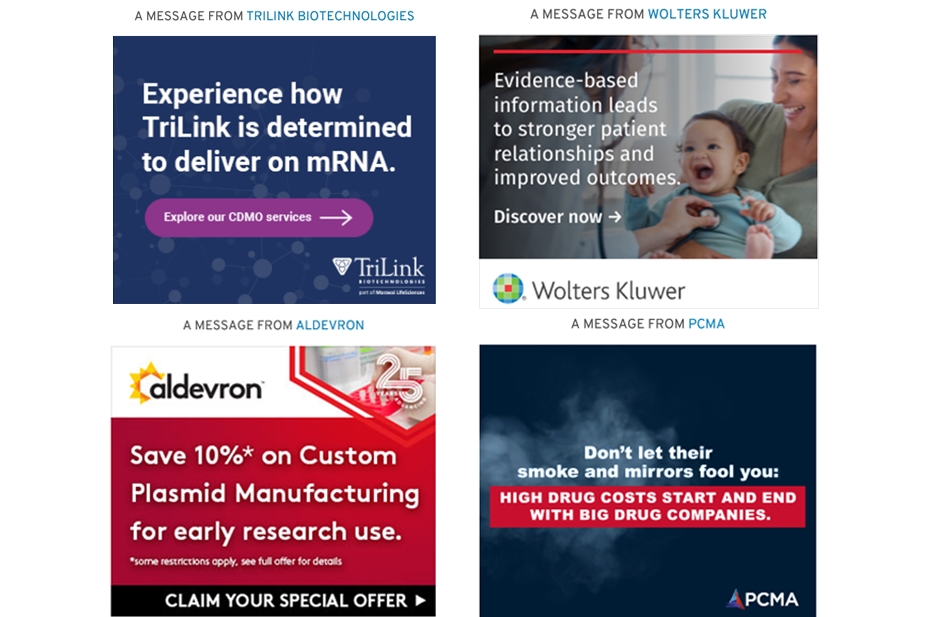
Medium Rectangle
- Image: 600px x 500px
- File Formats: .gif*, .jpg, .png (image files only)
- Max File Size: 400KB
- URL: One target URL
- Byline: Proper client name
*In Outlook 2007 and Outlook 2010, only the first frame of animated gifs is displayed. If you provide an animated gif, please ensure all the important information and the call to action is contained in the first frame.
Logo-Text Ad
- Transparent Logo: 120px width maximum for wide logos OR 60px height maximum for square/vertical logos. (It should be cropped to the edge of the logo with no additional space surrounding it)
- File Formats: .png or .gif* (only image files that support transparency)
- Max File Size: 30K
- Ad Copy: 250 characters or less (including spaces)
- URL: One target URL
- Byline: Proper client name
*In Outlook 2007 and Outlook 2010, only the first frame of animated gifs is displayed. If you provide an animated gif, please ensure all the important information and the call to action is contained in the first frame.

Headline
- Transparent Logo: 120px wide (It should be cropped to the edge of the logo with no additional space surrounding it)
- File Formats: .png or .gif* (only image files that support transparency)
- Headline Copy: 150 characters or less (including spaces)
- URL: One target URL
- Byline: Proper client name